
nomni-academy
nomni-academy
3 Feb 2025 • 5 min read
5 Proven Tech Tips to Speed up Service and Boost Your Restaurant Revenue
How Nomni POS and KDS help restaurants reduce wait times and improve service without rushing guests.
Written by

Nomni
The ultimate hospo solution
While faster table turnover improves profitability, speeding up service shouldn’t make customers feel rushed. The key is using the right technology to remove friction at every stage of the dining experience.
Here’s how restaurants use Nomni's Point of Sale and Kitchen Display Solutions to increase efficiency, reduce wait times, and enhance the dining experience at every step in the customer journey.
1. Seat & Serve Customers Faster with Table Maps
Step one to speeding up your service starts when the customer enters the restaurant. Meet your secret weapon for getting your customers seated and ready to order in record time: table maps. With the table map feature in Nomni POS, your staff can get a real-time, colour-coded view of which tables are available, occupied, or need service. This means quicker seating, faster order-taking, and fewer delays.
Pro Tip: If guests typically seat themselves, Table Ordering via Nomni Online Ordering allows them to place orders directly from the table without waiting for staff.
2. Take your POS & Ordering to the Table
Mobile POS terminals like Nomni GO and online ordering platforms like Nomni Online Ordering enable tableside ordering from anywhere in the venue. This is especially critical during seasonal peaks when outdoor seating and expanded seating tax the ability of waiters to get to an increased number of tables more distant from the usual group.
Allowing customers to order directly from the table reduces wait times, supports faster turnover, and has been shown to increase order values by 20% or more.
3. Speed Up the Kitchen with KDS and Prep Time Reports
Even if front-of-house runs smoothly, the kitchen can become a bottleneck during busy periods due to miscommunication or slow prep times. A Kitchen Display System (KDS) connected to your POS, like Nomni KDS, eliminates these issues by sending orders in real-time from the POS to kitchen screens.
But there’s more! Nomni KDS also tracks speed of service and prep time. These reports show how long each dish takes to prepare, helping you identify bottlenecks, optimize workflows, and allocate staff effectively. You can also customise your KDS screens based on your kitchen stations & workflows, to show summaries, or course-wise, ingredient-wise and product-wise breakdowns.
Pro Tip: Use the automatic smart order routing function on Nomni KDS to evenly distribute tasks across your kitchen. And, use a Captains KDS to review order completeness and avoid multiple trips to the table.
4. Make Payments a Breeze
Okay, now you know that customers will be seated and served efficiently. When they finish their meal and are ready to pay is where step 4 kicks in. Slow or cumbersome checkout processes can frustrate diners and delay table turnover. That’s where Nomni's payment solution shines. Nomni Payments allows you to accept all types of payments including Cash, Google Pay, Apple Pay, WeChat, Alipay, Wallets, rewards, and credit cards. Nomni POS also helps you:
Make it more streamlined for customers to request a bill: No more gesturing to capture the attention of the staff! The Table Ordering feature on Nomni POS has features to allow your customers to request a bill or request assistance with the press of a button. This notifies your staff through Table Maps and they can get to the table quickly.
Set up self-pay options for customers: Allow customers to settle their bill themselves through a printed or online QR code which, when scanned, retrieves their order for review, and enables easy payments.
Expedite group payments: Use the Tabs feature to open & close tabs with easy and set limits. The Bill Splitting feature lets you quickly split the bill by item or into equal & custom portions (without having to do the calculations yourself) and allows customers to settle using different payment methods.
Your servers can also use Nomni GO to take payments right at the table & speed up the checkout process.
Pro Tip: Don’t miss out on loyalty while trying to speed up payments. Automatically issue rewards to card-linked payments through Nomni Loyalty & Rewards. Nomni Loyalty is also fully integrated with Nomni's POS system so your customers can redeem your own custom venue-branded payments or rewards easily.
5. Encourage Online Bookings
While encouraging customers to book their tables in advance can be a great revenue-driver, online reservation systems can be expensive to run and complex to manage. If you are after simple and easy reservations, look at a POS system with native reservation capabilities like Nomni POS. Nomni POS’ reservations add-on allows guests to plan their visit, helping you optimize seating and manage customer flow.
Pro Tip: Promote your reservations module on your Magic App, website, social media, and Google My Business profile. You can also use the Nomni POS Pocket Manager Mobile App to manage online bookings remotely.
Nomni's customers have seen increased table turnover, reduced wait times, and increased revenue with the help of these technologies.
Bonus Tip: Rather than purchasing these technologies as ingredients and trying to make them work together, these hospo operators bought a complete wholesome dish prepared by Nomni. These tools work together as one integrated system, giving them even better results at lower costs. And that is their secret sauce.
Ready to drive up your venue’s revenue? Contact us today!
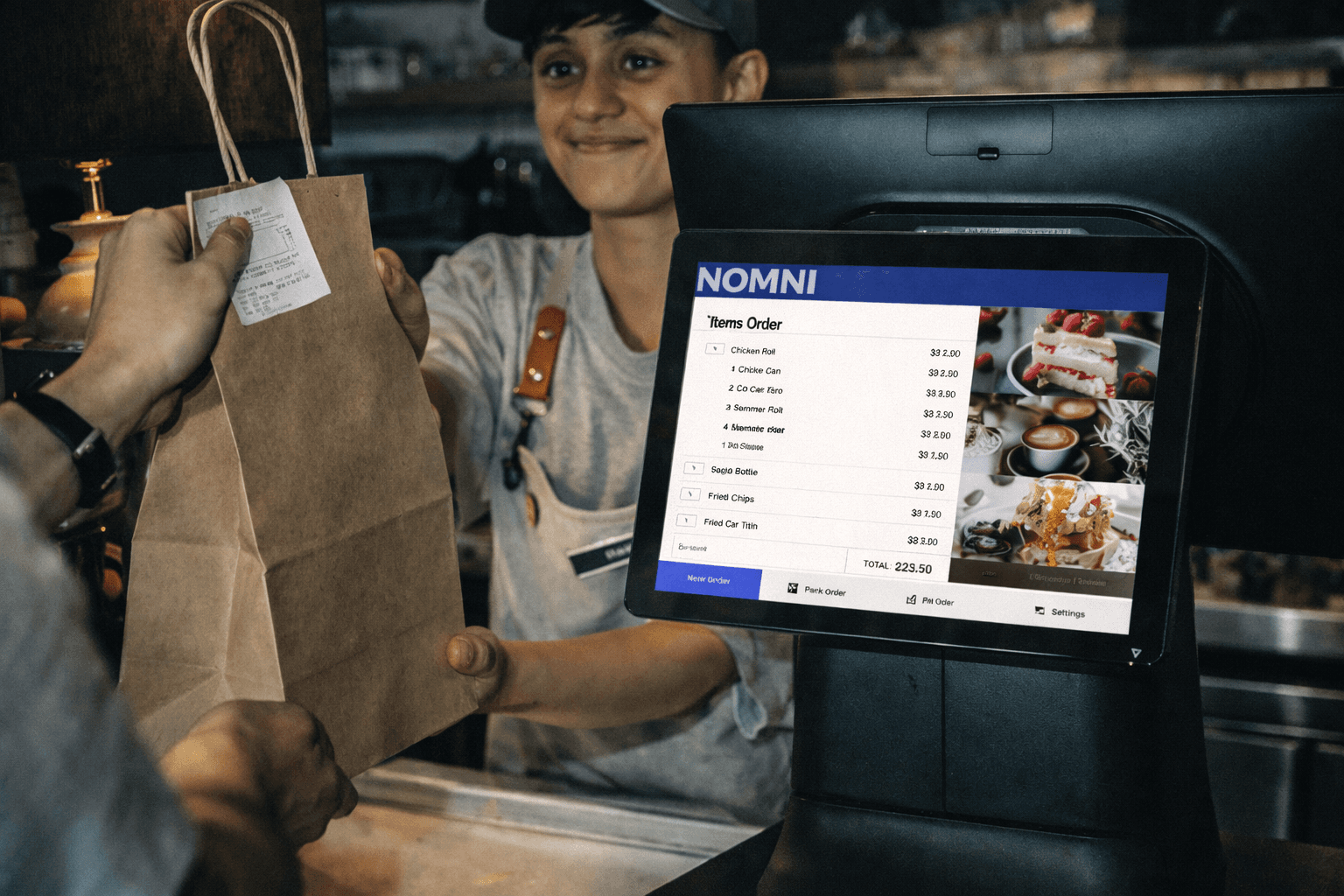
While faster table turnover improves profitability, speeding up service shouldn’t make customers feel rushed. The key is using the right technology to remove friction at every stage of the dining experience.
Here’s how restaurants use Nomni's Point of Sale and Kitchen Display Solutions to increase efficiency, reduce wait times, and enhance the dining experience at every step in the customer journey.
1. Seat & Serve Customers Faster with Table Maps
Step one to speeding up your service starts when the customer enters the restaurant. Meet your secret weapon for getting your customers seated and ready to order in record time: table maps. With the table map feature in Nomni POS, your staff can get a real-time, colour-coded view of which tables are available, occupied, or need service. This means quicker seating, faster order-taking, and fewer delays.
Pro Tip: If guests typically seat themselves, Table Ordering via Nomni Online Ordering allows them to place orders directly from the table without waiting for staff.
2. Take your POS & Ordering to the Table
Mobile POS terminals like Nomni GO and online ordering platforms like Nomni Online Ordering enable tableside ordering from anywhere in the venue. This is especially critical during seasonal peaks when outdoor seating and expanded seating tax the ability of waiters to get to an increased number of tables more distant from the usual group.
Allowing customers to order directly from the table reduces wait times, supports faster turnover, and has been shown to increase order values by 20% or more.
3. Speed Up the Kitchen with KDS and Prep Time Reports
Even if front-of-house runs smoothly, the kitchen can become a bottleneck during busy periods due to miscommunication or slow prep times. A Kitchen Display System (KDS) connected to your POS, like Nomni KDS, eliminates these issues by sending orders in real-time from the POS to kitchen screens.
But there’s more! Nomni KDS also tracks speed of service and prep time. These reports show how long each dish takes to prepare, helping you identify bottlenecks, optimize workflows, and allocate staff effectively. You can also customise your KDS screens based on your kitchen stations & workflows, to show summaries, or course-wise, ingredient-wise and product-wise breakdowns.
Pro Tip: Use the automatic smart order routing function on Nomni KDS to evenly distribute tasks across your kitchen. And, use a Captains KDS to review order completeness and avoid multiple trips to the table.
4. Make Payments a Breeze
Okay, now you know that customers will be seated and served efficiently. When they finish their meal and are ready to pay is where step 4 kicks in. Slow or cumbersome checkout processes can frustrate diners and delay table turnover. That’s where Nomni's payment solution shines. Nomni Payments allows you to accept all types of payments including Cash, Google Pay, Apple Pay, WeChat, Alipay, Wallets, rewards, and credit cards. Nomni POS also helps you:
Make it more streamlined for customers to request a bill: No more gesturing to capture the attention of the staff! The Table Ordering feature on Nomni POS has features to allow your customers to request a bill or request assistance with the press of a button. This notifies your staff through Table Maps and they can get to the table quickly.
Set up self-pay options for customers: Allow customers to settle their bill themselves through a printed or online QR code which, when scanned, retrieves their order for review, and enables easy payments.
Expedite group payments: Use the Tabs feature to open & close tabs with easy and set limits. The Bill Splitting feature lets you quickly split the bill by item or into equal & custom portions (without having to do the calculations yourself) and allows customers to settle using different payment methods.
Your servers can also use Nomni GO to take payments right at the table & speed up the checkout process.
Pro Tip: Don’t miss out on loyalty while trying to speed up payments. Automatically issue rewards to card-linked payments through Nomni Loyalty & Rewards. Nomni Loyalty is also fully integrated with Nomni's POS system so your customers can redeem your own custom venue-branded payments or rewards easily.
5. Encourage Online Bookings
While encouraging customers to book their tables in advance can be a great revenue-driver, online reservation systems can be expensive to run and complex to manage. If you are after simple and easy reservations, look at a POS system with native reservation capabilities like Nomni POS. Nomni POS’ reservations add-on allows guests to plan their visit, helping you optimize seating and manage customer flow.
Pro Tip: Promote your reservations module on your Magic App, website, social media, and Google My Business profile. You can also use the Nomni POS Pocket Manager Mobile App to manage online bookings remotely.
Nomni's customers have seen increased table turnover, reduced wait times, and increased revenue with the help of these technologies.
Bonus Tip: Rather than purchasing these technologies as ingredients and trying to make them work together, these hospo operators bought a complete wholesome dish prepared by Nomni. These tools work together as one integrated system, giving them even better results at lower costs. And that is their secret sauce.
Ready to drive up your venue’s revenue? Contact us today!

Nomni is the first complete hospitality system that works for you. Loved by over 35,000 venues across Asia Pacific and used by tens of millions of diners and operators annually. To see how Nomni can work for you, visit Nomni.ai
Share this post
Share this post
You might also like
You might also like
You might also like
Browse by category
Browse by category
End not knowing!
Get industry insights, guides, best practices from the best operators, sneak previews of new technology, and more!
End not knowing!
Get industry insights, guides, best practices from the best operators, sneak previews of new technology, and more!
End not knowing!
Get industry insights, guides, best practices from the best operators, sneak previews of new technology, and more!
